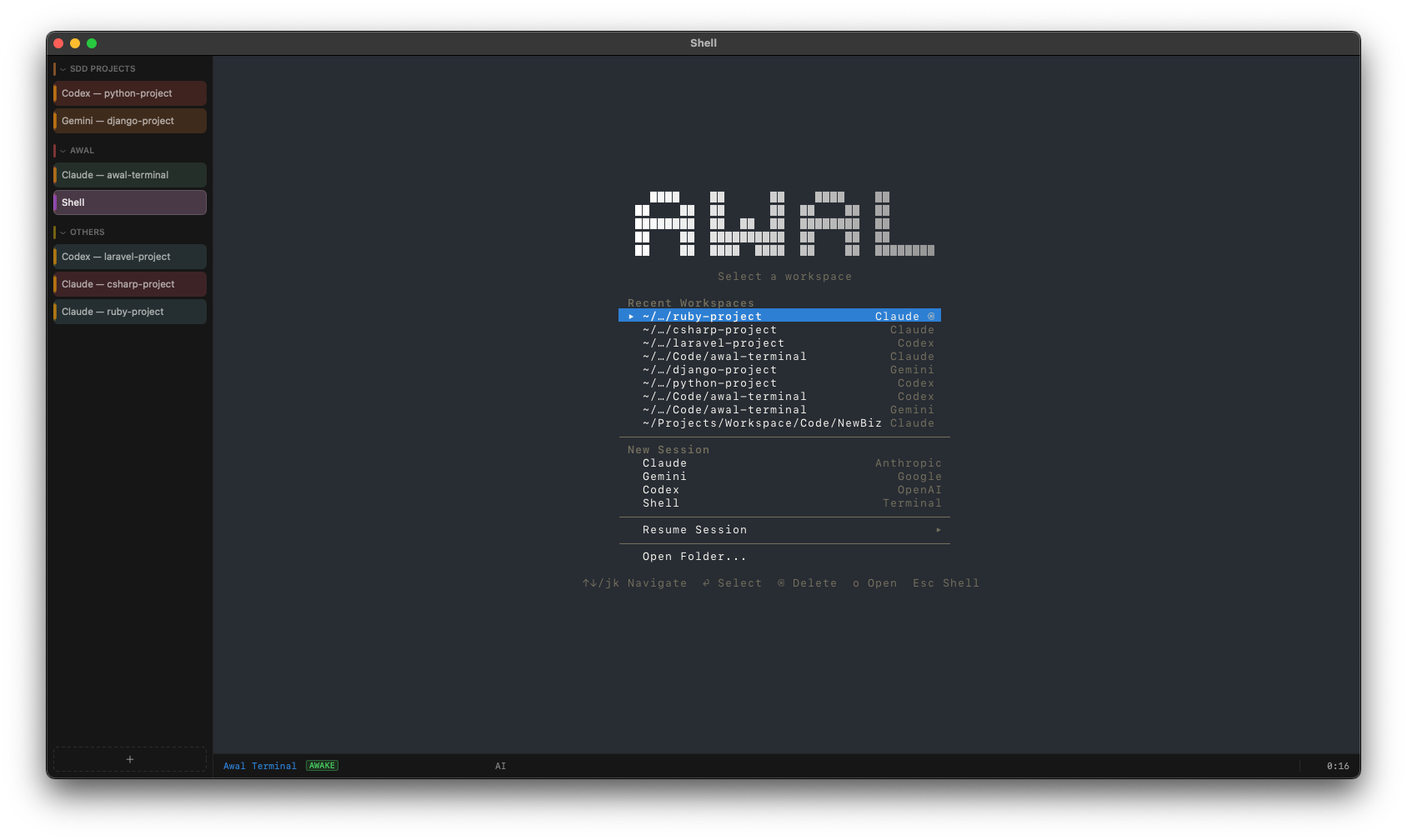
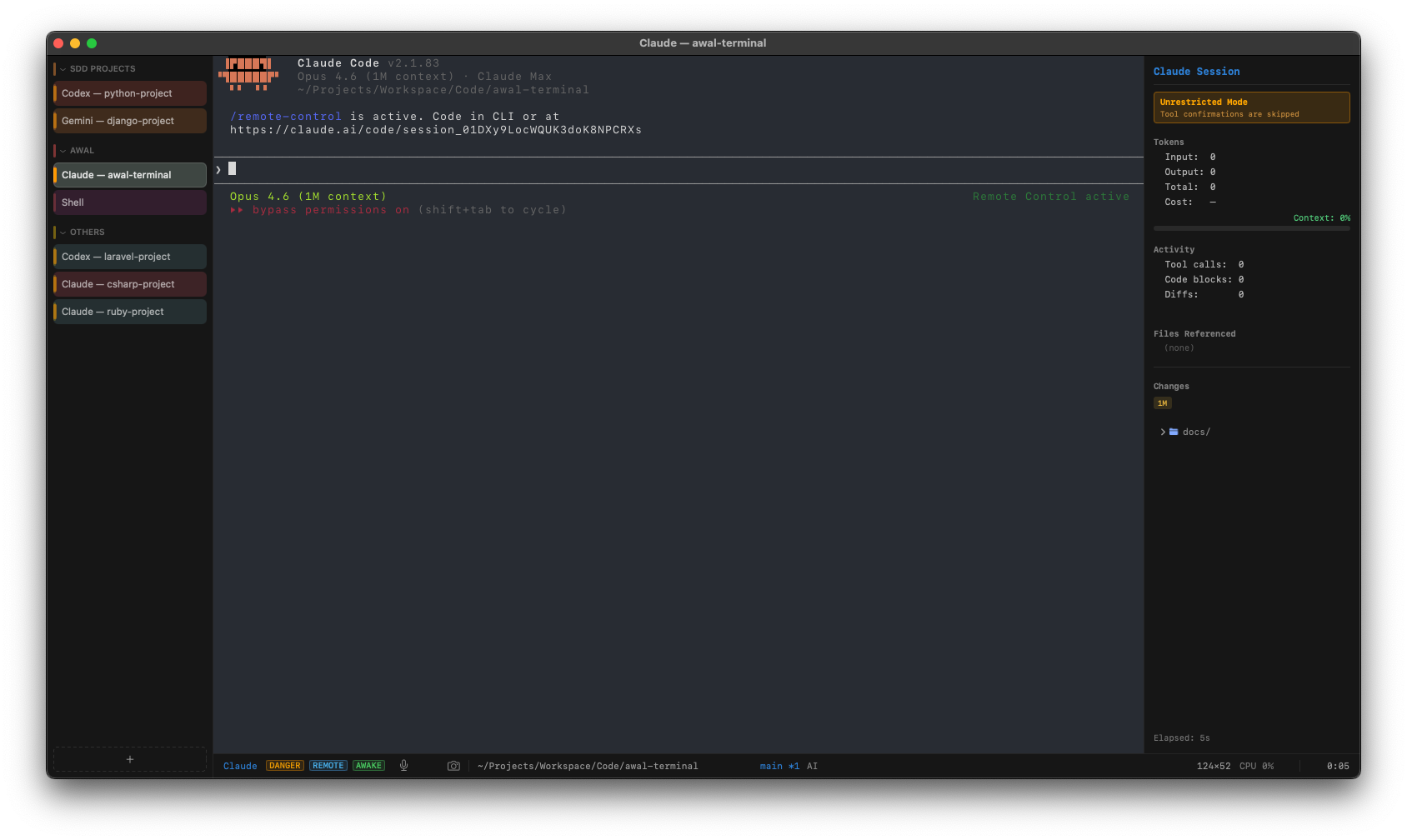
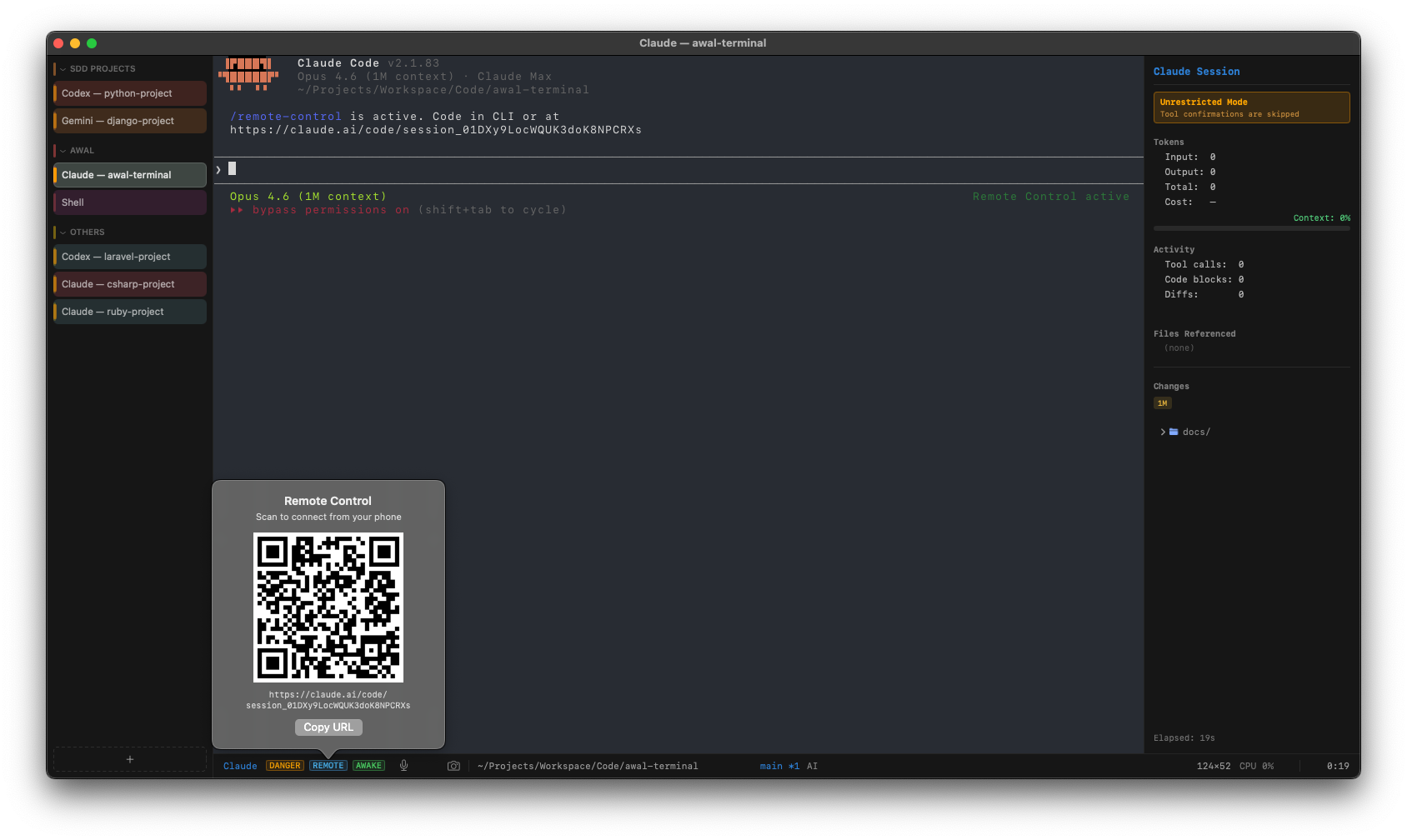
Remote Control — scan a QR code to manage sessions from your phone
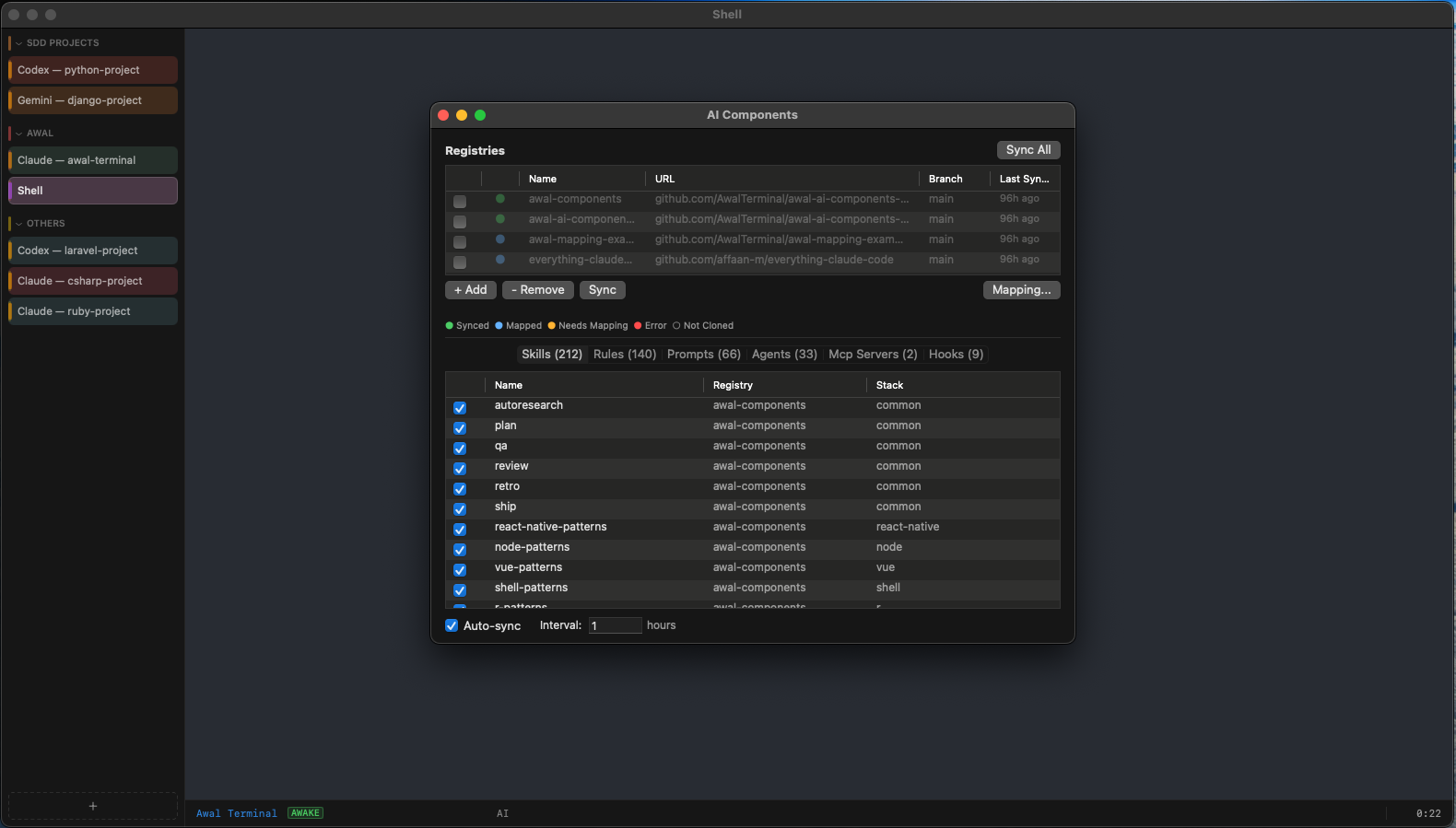
AI Components manager with registries, skills, rules, prompts & agents
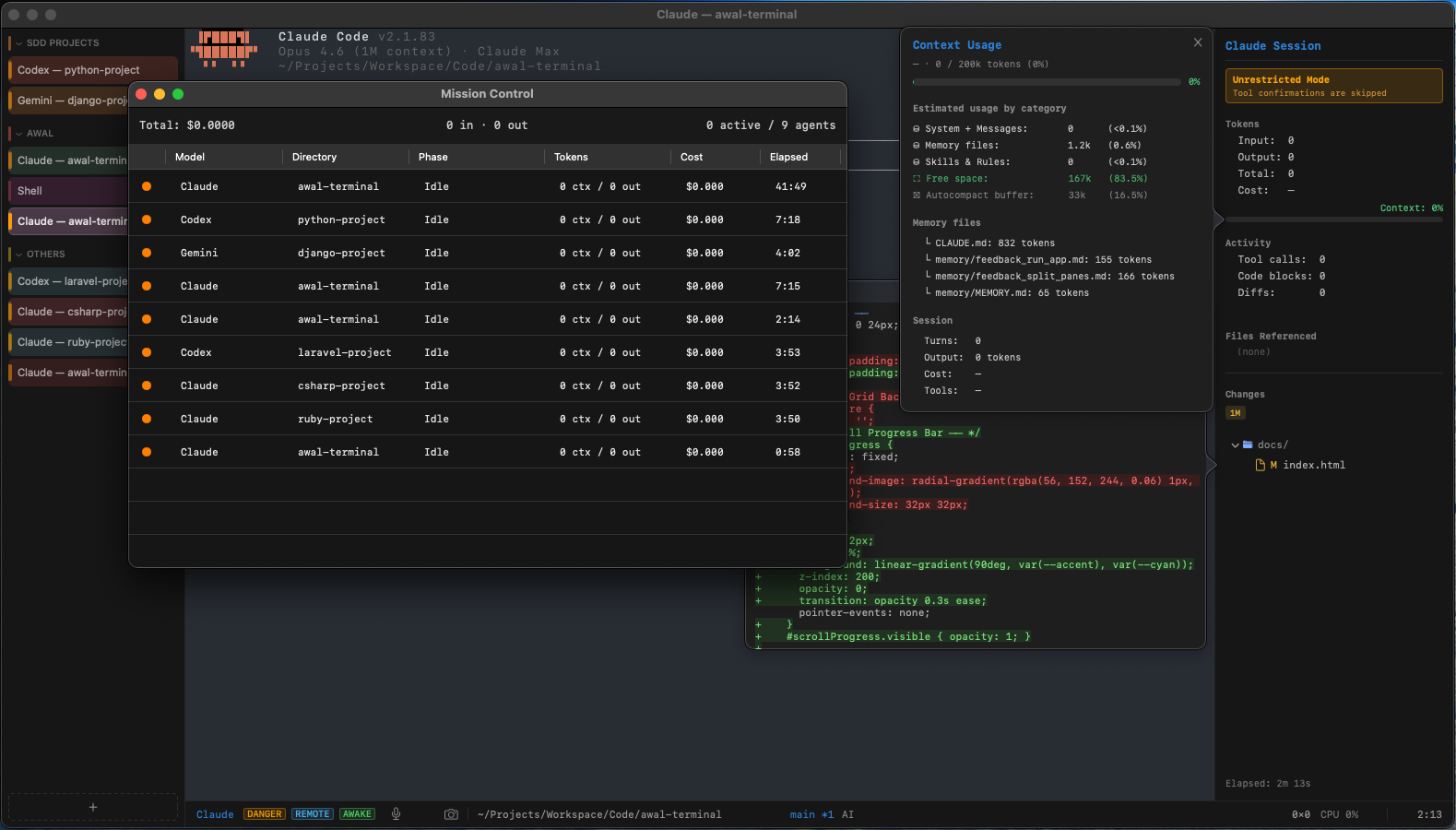
Mission Control — all active agents, spend tracking & context usage at a glance
Features
Built different
GPU-Accelerated Rendering
Metal-powered rendering at 120fps with glyph atlas caching, triple-buffering, and ligature support.
Smart Output Folding
AI responses automatically fold into collapsible, labeled sections — tool calls, diffs, thinking, and more.
AI Components
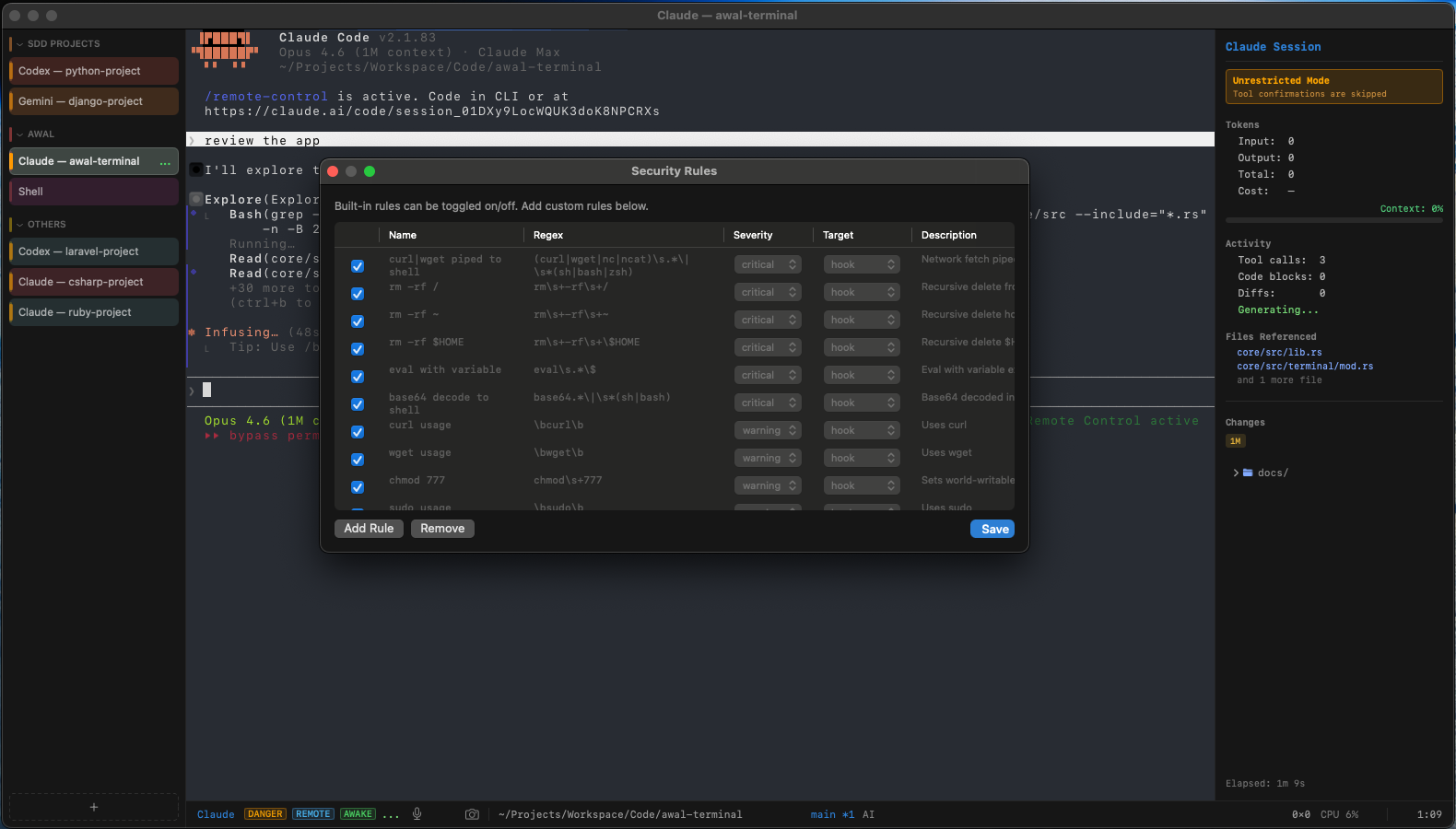
Auto-detect your project stack and inject skills, rules, prompts, and hooks from git, localskills, or local registries. Visual mapping editor, security rules editor, colored status dots with legend, and import/export built in.
Mission Control
Dashboard showing all active AI agents across tabs and windows. Real-time status, total spend, tokens, and per-agent kill switches.
Session Recording
Record AI coding sessions and export as GIF with idle compression. Stop recording and save directly from the status bar.
AI Side Panel
Live token tracking, cost estimation, file references, git changes tree, and activity stats in one panel.
LLM Profiles
Switch between Claude, Gemini, Codex, or plain Shell. Create custom profiles with per-model config.
Per-Tab Token Tracking
Each tab independently tracks token usage and cost. Feeds into the side panel and Mission Control for full spend visibility.
Voice & Screenshot Input
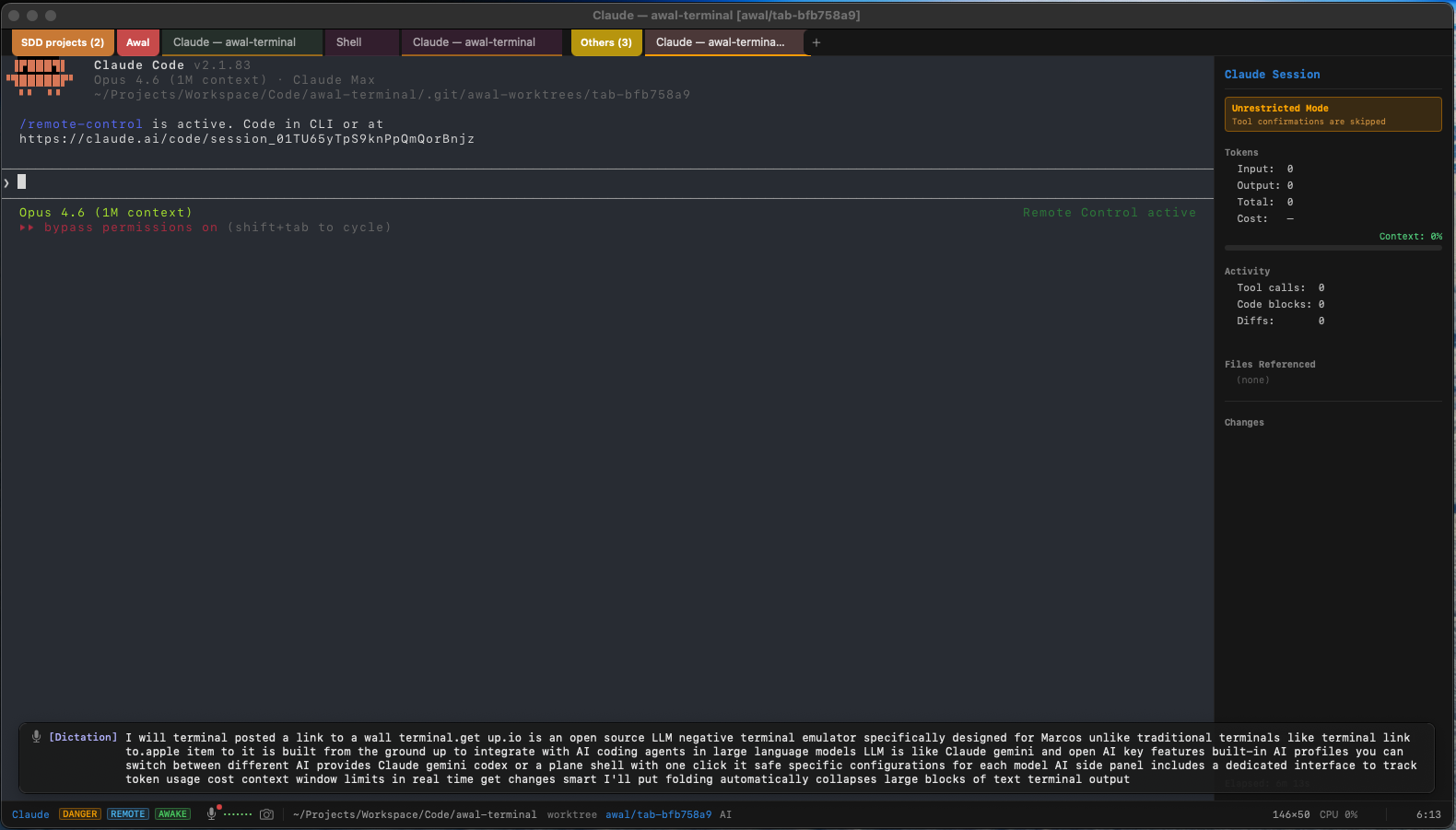
Push-to-talk voice input with on-device transcription. Screenshot-to-session captures a region and pastes the path.
Multi-Window & Tabs
Multiple independent windows with Cmd+N. Tab groups with collapse/expand and vertical sidebar layout. Drag tabs between windows or tear off entire groups.
Git Integration
Live git status in the status bar and side panel. Per-tab worktree isolation for parallel workstreams.
Syntax Highlighting
Code blocks get language-aware syntax highlighting with diff rendering and one-click copy.
Quick Terminal
Quake-style dropdown terminal with a global hotkey. Available instantly, from anywhere on your Mac.
Fully Themeable
Customize colors, fonts, keybindings, and ANSI palette. Everything lives in a single config file.
Find & Notifications
Search terminal output with real-time highlighting, plus desktop alerts when long-running tasks finish.
Command Palette
Cmd+Shift+P opens a fuzzy-searchable palette for every action. Copy as Markdown preserves code fences and formatting.
Smart Autocomplete
File path and command history completions as you type, with a popup menu and keyboard navigation.
Remote Control
Auto-detect Claude Code remote control, scan a QR code to connect from your phone, and manage sessions from the menu.
Comparison
How Awal compares
Awal
iTerm2
Warp
Ghostty
Alacritty
AI assistant
✓
✕
✓
✕
✕
Multi-provider AI
✓
✕
✕
✕
✕
AI components
✓
✕
✕
✕
✕
Voice input
✓
✕
✕
✕
✕
GPU-accelerated
✓
✕
✓
✓
✓
Tabs
✓
✓
✓
✓
✕
Open source
✓
✓
✓
✓
✓
Cross-platform
✕
✕
✓
✓
✓
Architecture
Rs
Rust
Sw
Swift
Mt
Metal
High-performance terminal core in Rust. Native macOS UI in Swift. GPU rendering via Metal shaders.